

Set Up Your Chair and Desk for a Back-Friendly Posture
Much of the back and neck fatigue at the end of a working day comes from a badly set chair and desk, not from sitting alone. These steps take ten minutes, once.
Start with seat height: sit with your feet flat on the floor and your knees level with your hips or slightly below. If the desk is high, raise the chair and put a footrest under your feet.
Then the lower back: set the support to sit in the curve just above your belt. It should feel as if it holds you without pushing you forward.
Next the arms: lower or raise the armrests until your elbows are at about a right angle and your shoulders are relaxed. The keyboard goes at elbow height or slightly below.
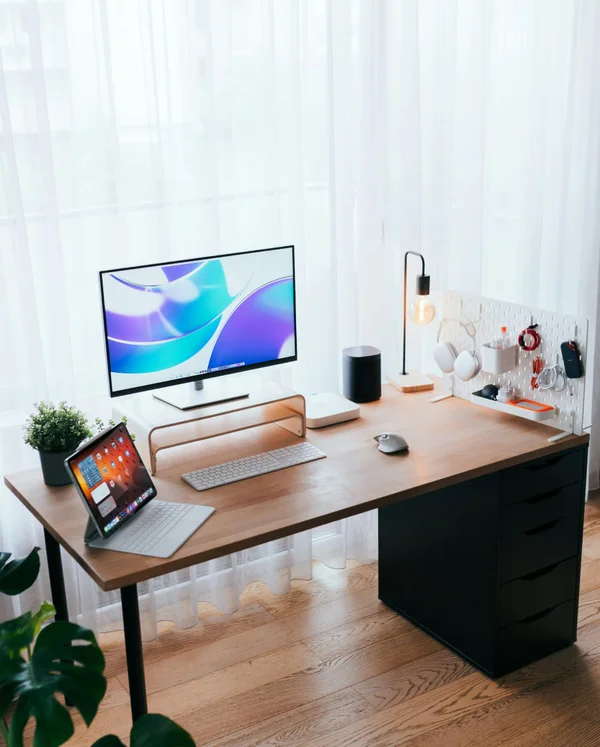
Finally the screen: an arm's length away, with its top at eye level or slightly below. If you work on a laptop, raise it and use a separate keyboard and mouse.
Good settings do not replace movement: stand and walk for a few minutes every hour, or switch between sitting and standing if your desk allows. If pain persists all the same, see a specialist.